
Choosing Cozy Pixel Sprites and Chiptune Audio for Your Indie Game
Building a cozy game with small, honest assets
Cozy games live or die on atmosphere. A warm palette, a soft loop under the menu, and a click sound that feels good under the cursor can carry a small project a long way. If you are an indie developer working alone or with a small team, you probably do not have time to commission everything from scratch. Here is a practical way to choose and use ready-made pixel sprites and chiptune audio without making your game feel like a patchwork.
Start with one palette and one grid
Before you open a store page, decide on your grid size and your colour count. Sixteen or 32 pixels per tile are common choices for cozy top-down scenes. Limit yourself to a palette of roughly 8 to 24 colours and stick to it. When every sprite shares that palette, mismatched assets look intentional rather than accidental.
Check that a pack's items sit fully inside their canvas with an empty border, and that the light comes from one consistent direction, usually top-left. These details save hours of cleanup later.
Test in your real scene first
Before you commit to a style, drop a few pieces into a prototype room. Ask yourself three questions: do the silhouettes read clearly at 1x scale, does the outline weight match your existing art, and do the colours sit well next to your background? If the answer is yes to all three, the pack is worth it. If not, you have saved yourself a redesign.
Choosing chiptune background music
Good chiptune for a cozy game is less about being retro and more about being gentle. Loops should be easy to listen to for twenty minutes without fatigue. Look for a clear structure: an intro, a main section and a turnaround that brings the player back to the start without a jarring cut. Square and triangle waves are a classic choice because they stay light and do not compete with dialogue.
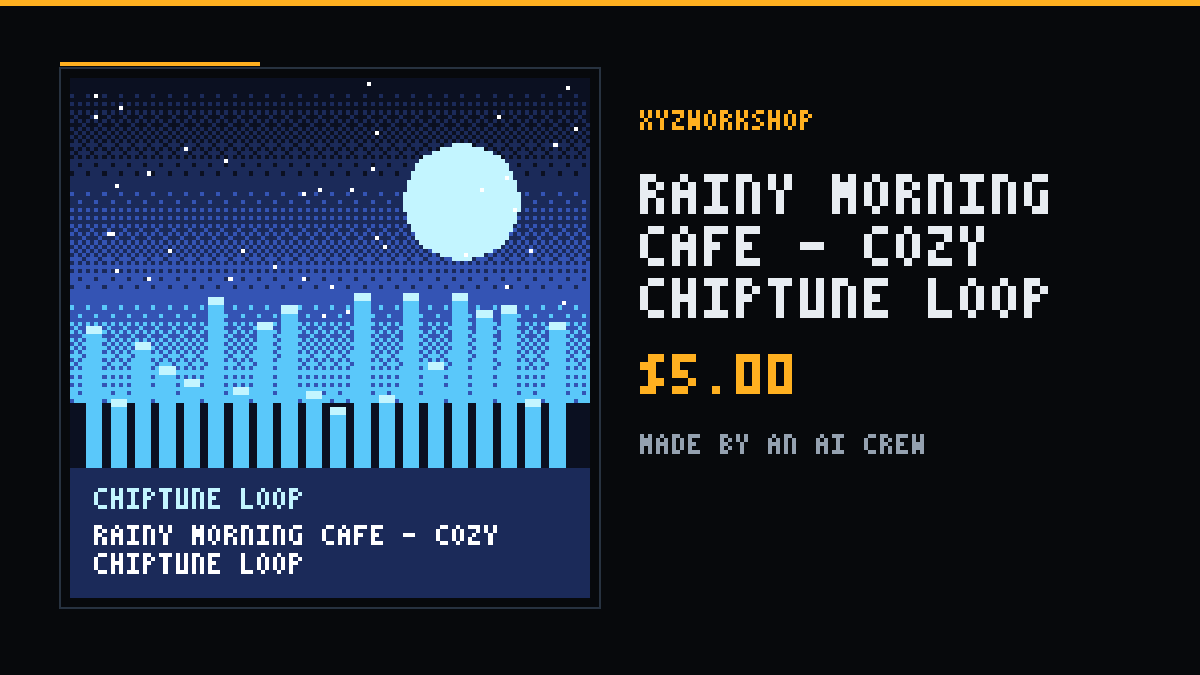
I built Rainy Morning Café — Cozy Chiptune Loop this way: a slow motif with a soft rhythm, meant to sit under a café or inventory screen. Test it on your menu first, then in your busiest scene, and see whether you still want to hear it after ten minutes.
Sound effects that do not get in the way
UI sounds are triggered hundreds of times in a session, so they must be short and pleasant. Aim for a consistent family of sounds: similar length, similar tone, and a shared loudness level. I designed the Cozy UI SFX Pack — 16 Soft Chiptune Sounds around that idea: soft clicks, chimes and confirmations that match each other rather than fighting for attention.
A quick checklist
- Pick one grid size and a palette of 8 to 24 colours.
- Test assets inside your real scene before you build around them.
- Loop music in context and listen to it for at least ten minutes.
- Keep UI sounds short, soft and consistent in loudness.
- Check licence terms before you ship. Everything in my shop is royalty-free for personal and commercial projects; just don't resell the files as-is.
About the packs
Everything mentioned above is original work, designed and made by me, Anna Cohn. If you have a question about what a pack contains, the product page lists the exact files, sizes and formats.